
14 years alongside health professionals300+ clinics
Child development centre software: sessions, parents, fees.
Bi'Klinik gathers a child development centre's office work: calendars, the child's card, parent reminders and payments.
- 15 days free
- No card required
- Cancel anytime
Record a payment on the patient card
You enter the amount and the payment method. If the patient has open items, you choose which ones the payment closes.
The specialists' calendar and the child's card on the same screen.
The day splits into columns by specialist; play therapy and a developmental assessment each go in the column of their own specialist. The session goes onto the child's card, and the parent's payment shows on the same card.
Why Bi'Klinik?
Let the specialist look after the child and the front desk after the parent; times, reminders and payments should not be left to a notebook. How it was, how it will be:
The child's record encrypted, access limited by role.
You open a separate account for each specialist and for the front desk; the role you give decides who opens which screen.
Encrypted child records
Records about the child and the parent are encrypted and kept on servers in Türkiye.
A separate account per specialist
Each specialist signs in with their own account and does not see a screen outside their role in the menu.
GİB-approved documents
You issue the parent's invoice as an e-Invoice or e-Archive document from the centre's panel.
Users and message allowance
10 users are included in the membership, and so are 1,200 SMS and WhatsApp messages.
The centre's session and parent work, in one panel.
The session sits in the specialist's column, the record on the child's card, the parent's payment on the same card. You see which child comes to whom on which day without leafing through a notebook.
Session calendar per specialist
You open the calendar by staff member; each specialist is a column, and you set the order of the columns by dragging them. You click an empty cell and write the session.
A fixed weekly session as a series
You set up the session of a child who comes on the same day every week once, as a recurring appointment. If they see two different specialists in a week, you open one series per specialist; before you save, the preview shows the sessions that will be created.
The child's card
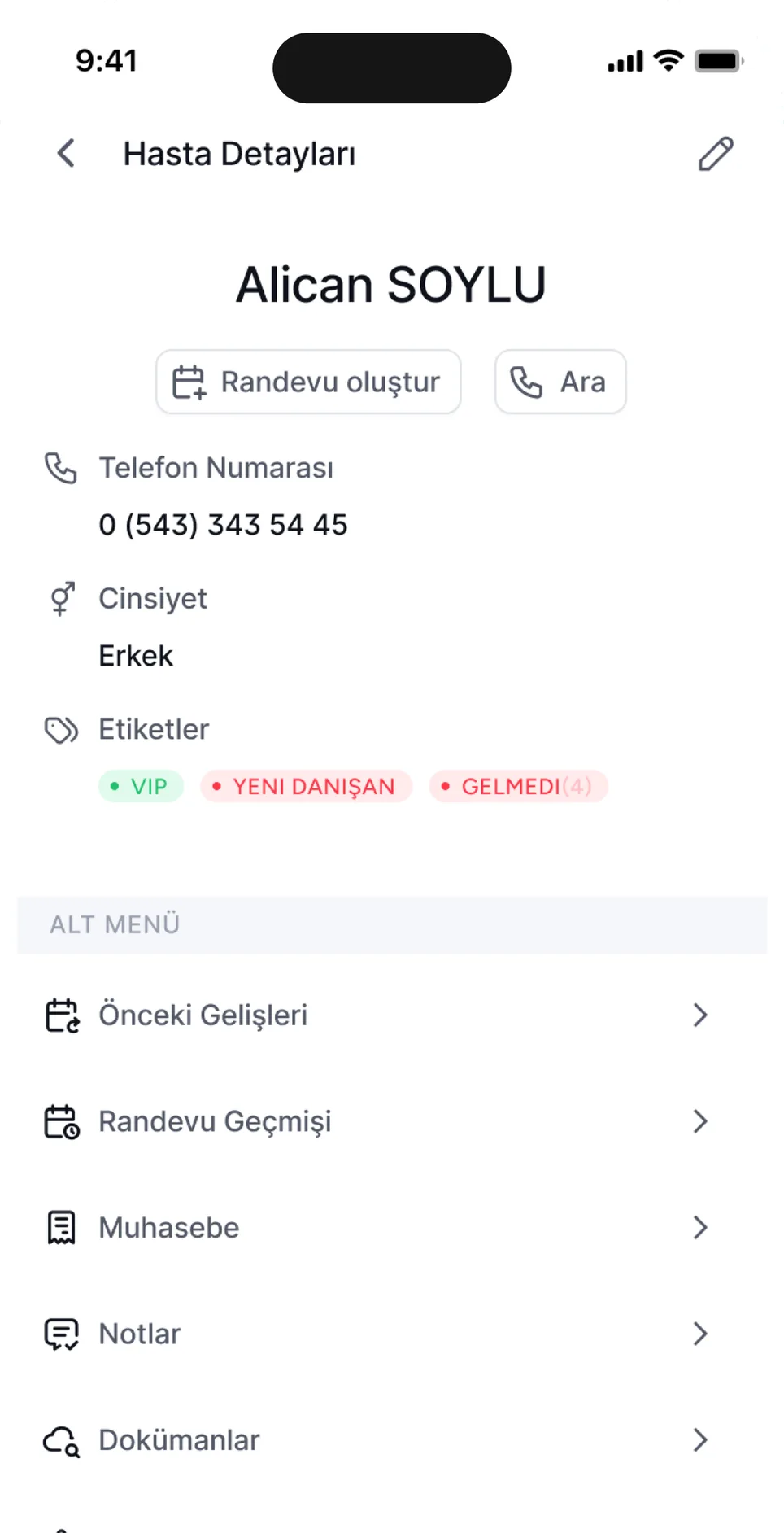
The child's date of birth, the parent's phone number, appointment history, notes and documents sit on one card. In the panel the card is named the Patient card.
Observation notes and report files
After the session you write a short note in the Notes tab of the card; you upload the development report you prepared to the Documents tab as a file. The panel does not provide a report template.
Reminders to parents
The parent gets a reminder one day before the session; the message leaves on WhatsApp first and goes as an SMS if it does not get through. If you switch on adding the location in the appointment settings, the message carries the branch location too; a family coming to the centre for the first time finds the way from there.
Payments and invoices in the parent's name
When the parent pays, you post the payment to a cash, bank or POS account; the unpaid part stays as an open balance on the child's card. If the invoice is to be issued to the parent, you enter them in the invoice details of the card.
- Dentist
- Psychologist
- Dietitian
- Physiotherapist
- Aesthetics & Beauty
- Veterinary
- Podologist
- Polyclinic
A team that knows the office side of a centre working with children.
While the specialist is with the child, the front desk talks to the parent, sets the time and takes the payment. We set up the work of that desk; the content of the assessment and the session stays with the specialist.
Questions on your mind
What child development centres ask first. If the answer you need is missing, leave your phone number and we will get back to you.
What is Bi'Klinik, and what does it do for child development centres?
Bi'Klinik is cloud-based clinic management software that keeps the specialist calendar, child card, parent reminders and payments of child development centres in one panel. You write the session in the specialist's column, the reminder goes to the parent on WhatsApp first, and the payment and open balance stay on the child's card. There is no screen for developmental tests, scales or preparing reports for parents.
Can I run a developmental test or a screening inventory?
No, the panel does not run tests or calculate scores; there is no screen for developmental tests or screening inventories. You upload the screening result and the development report you wrote to the Documents tab on the child's card.
The same child sees two different specialists; can I see their sessions together?
Yes, on the child's card. The Appointment history tab lists every session with its time, staff member, service and status; you see in one list which specialist they worked with and when.
Does the reminder go to both the mother and the father?
No, it goes to one number. The card has one phone field; whichever parent's number you enter there gets the notification, on WhatsApp first and by SMS if it does not get through.
Can a parent see their child's report and sessions on their own screen?
No, there is no separate login or portal for parents. You upload the report to the child's card as a file and share it with the parent yourself; what the panel sends the parent is the appointment notification.
Can I open a group activity or a workshop with a set capacity?
No. The appointment form takes one child; there are no group sessions, capacity limits or waiting lists.
Does it calculate the specialists' per-session pay?
No, there is no per-session pay or commission calculation. The Staff tab of the revenue report shows how revenue is split between the specialists; you export the list to Excel and do the calculation yourself.
There are several specialists at the centre; how many users does the membership include?
10 users are included; you open a separate account for each specialist and for the front desk. The 12-month membership also comes with 1,200 SMS and WhatsApp messages; you can cancel whenever you like and the remaining months are refunded.
Open it wherever you are.
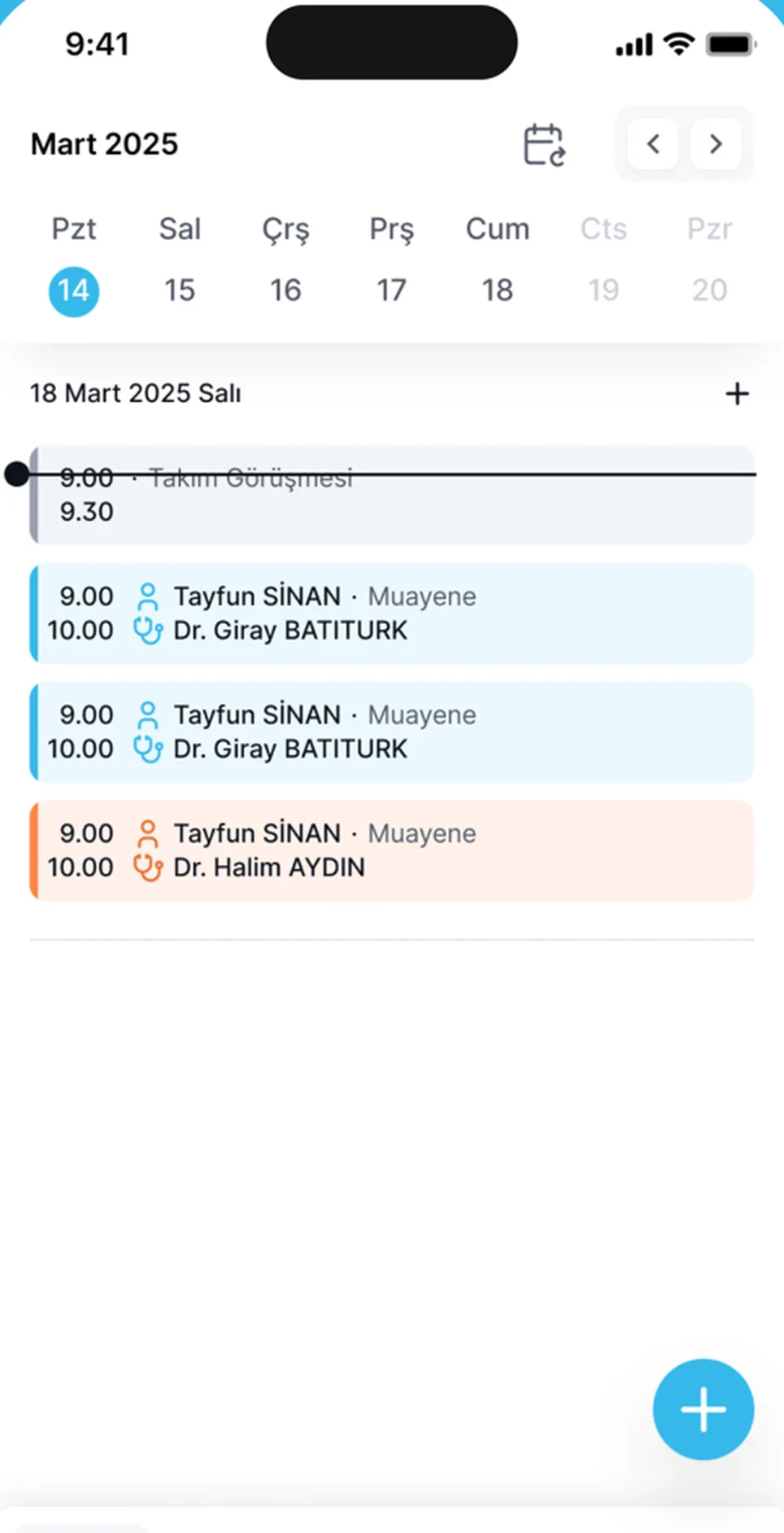
Open your appointments and records from your phone when you are away from the computer. The app is free.


Set up your centre's session routine today.
Leave your phone number and we will call. We add your specialists and session types to the panel together and write the first week's calendar with you.
- Leave your number
- We call you
- We set it up together